Meet your TV.
Run the desktop or Android companion on the same home network. Follow the guide to enable debugging and approve the connection on your TV.
 CLeanYourTV.AI
 Give your TV a calmer home. Switch off unwanted apps, tidy up the clutter, and put what you love front and center.
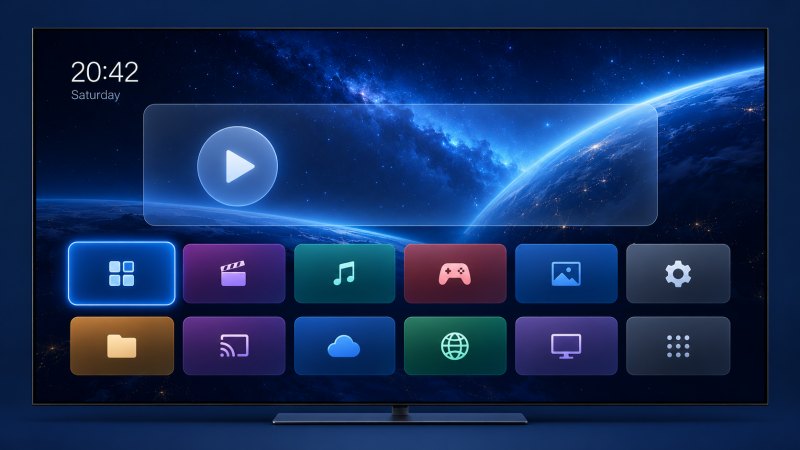
AI effect preview. Actual app icons and language follow your TV.
Your companion handles the connection.
You stay in control of every change.
Run the desktop or Android companion on the same home network. Follow the guide to enable debugging and approve the connection on your TV.
See the cleanup plan first. Keep the apps and features you use. A restore record is saved before changes begin.
Disable unwanted components and customize your home screen on compatible models. Restore individual changes whenever you need.
Cleanup should feel considered. You see the plan, approve the changes, and keep a way back.
Explore your account ↗Guided setup on Mac, Windows and Android.
Review each change before you apply it.
Choose from sixteen TV home layouts, with real installed apps, a live clock and remote navigation. Pick your favorites directly on the TV.
Review and disable known advertising components in a matching community profile. Support for boot ads and system recommendations varies by model. In-video ads are not removed.
Choose unwanted preinstalled apps and background components to disable. Keep the apps you use. Results depend on your TV; faster performance is not guaranteed.
Review supported ACR and telemetry components that may collect viewing information. Availability depends on the exact model and firmware; this does not turn off every form of tracking.
Review voice assistant and casting options before changing them. Desktop keeps these by default and protects system updates. Update components stay protected in the desktop and Android preview builds.
Cleanup disables selected components instead of deleting system apps. Restore this companion’s recorded changes for free. Keep the local restore files on the device that made the changes.
Original AI artwork, live clocks and a quieter app dock.
Pick a look in the companion and apply it to your TV.
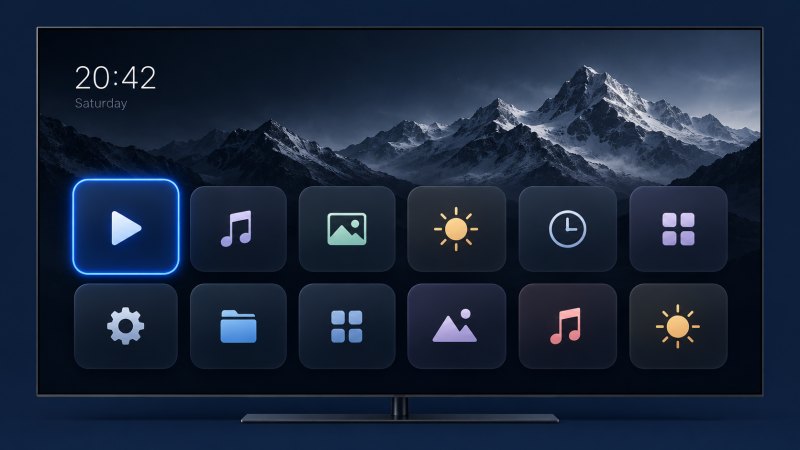
Real installed apps · your favorites
A live spotlight · two rows of apps
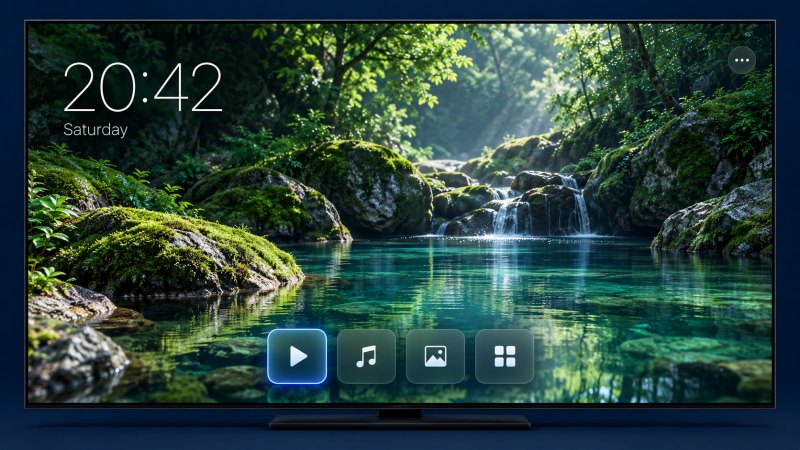
Original design · live clock and favorite apps
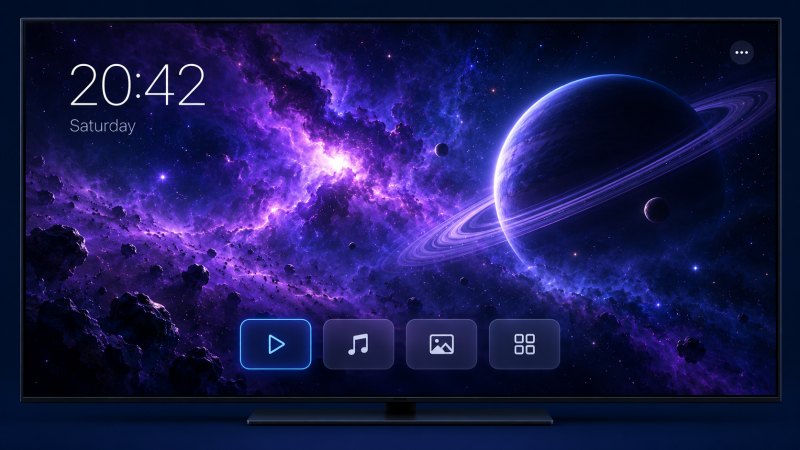
Original design · live clock and favorite apps
Original AI effect previews. Our redesigned tools retain the authors and licenses of their open-source foundations. Availability depends on your TV.
The companions explain where to look
and what to press at every step.
On your TV: Settings → Network & Internet → connected Wi-Fi or Ethernet → IP address. Some TVs use About → Status. Read IP address or IPv4 address: these are the same field here. Copy that number, not the subnet mask, gateway, DNS or Wi-Fi name. Do not change Manual settings or press Save. Android can also discover nearby TVs automatically.
Xiaomi / Redmi MIUI TV: Settings → About → Product model, press OK seven times; then Settings → Account & security → ADB debugging → Allow. Press Home to leave Settings, then connect from the companion and approve the popup on the TV home screen. Android / Google TV: About → Build, press OK seven times; then enable debugging in Developer options. Keep both devices on the same home network and choose Allow on the TV when prompted. The Android companion also guides supported wireless pairing.
After connecting, the companion reads the model and checks for a matching profile. If none is confirmed, it offers a limited scan of supported privacy components. A similar model is not enough to unlock broader cleanup.
Menu names vary by brand and firmware. The desktop companion uses network ADB; if your TV requires a wireless pairing code, use the Android companion’s pairing flow.
The operating system matters more
than the logo on the bezel.
Sony, TCL, Xiaomi, Philips and other compatible models. Features depend on firmware, region and available network debugging.
Some cleanup operations are available. Changing the default home screen is restricted on many models.
Tizen, webOS and Roku OS are not supported by this Android-based cleanup tool.
Not every app can be disabled. We do not remove ads inside streaming videos, unlock paid content, or guarantee faster performance.
Start free with privacy protection and restore access. Upgrade for broader cleanup and home customization: monthly, yearly, or lifetime.
Guided TV connection, automatic model detection, inspection, supported ACR / telemetry protection and restoration. Sign in and link your companion to apply free privacy protection. No card or subscription is needed.
| Feature | Free | Plus |
|---|---|---|
| Guided connection & model detection | Included | Included |
| Inspect your TV & review the plan | Included | Included |
| Supported ACR / telemetry protection | Included | Included |
| AI text & screenshot setup help | Included, daily limits | Included, daily limits |
| Restore recorded changes | Included | Included |
| System advertising component cleanup | Preview only | Included |
| Other preinstalled-app controls | Preview only | Included |
| Voice assistant & casting choices | Preview only | Included |
| Apply wallpapers and clock templates | Preview only | Included |
| Install Studio tools and add-ons | Preview only | Included |
| Simple home & favorite-app layout | Preview only | Included |
Availability depends on the exact TV and firmware. Free privacy protection covers supported components in the reviewed plan; it does not block all tracking. Desktop protects system updates. All three Plus plans include the same Plus features across Mac, Windows and Android.
Billed $4.99 every month.
Renews monthly until canceled.
Billed $39.99 every year.
Renews yearly until canceled.
One payment. Lifetime Plus access.
No renewal or recurring charge.
Connection, inspection, supported privacy protection and restoration stay free. Check TV compatibility and companion availability before purchasing. Applicable taxes, if any, are shown at checkout.
You need the desktop or Android companion running on the same local network as your TV. The companion makes the local ADB connection; our cloud servers do not connect directly to your TV.
The cleanup flow disables selected packages for the main user rather than deleting system apps. It saves restore information first. Review the plan carefully, because disabling a component can affect related features.
Yes. Restoration is free and does not require a Plus purchase. Keep your companion and its local restore records until you have restored the TV.
No. The tool focuses on supported TV home-screen clutter and unwanted preinstalled components. It does not remove in-video advertising or provide access to paid content.
Run a fresh scan and review the new plan. Manufacturer updates may restore packages or alter compatibility. The tool should not apply an old plan blindly.
No. cleanyourtv.ai is an independent paid service based on MIT-licensed open-source software. It is not affiliated with or endorsed by Gathin or cleanyour.tv. The original community project remains freely available.